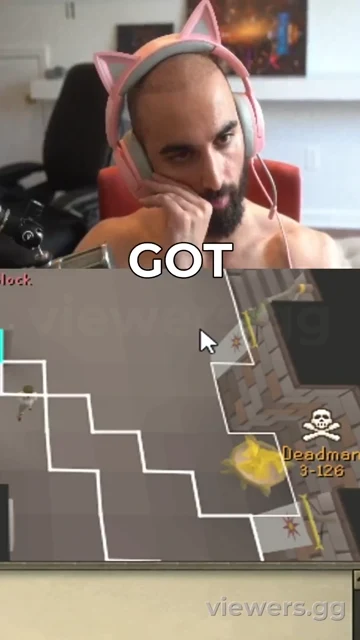
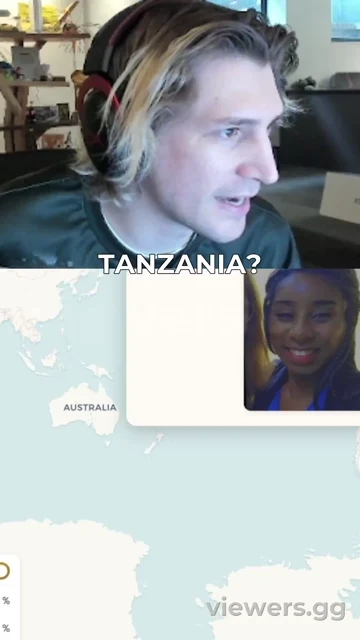
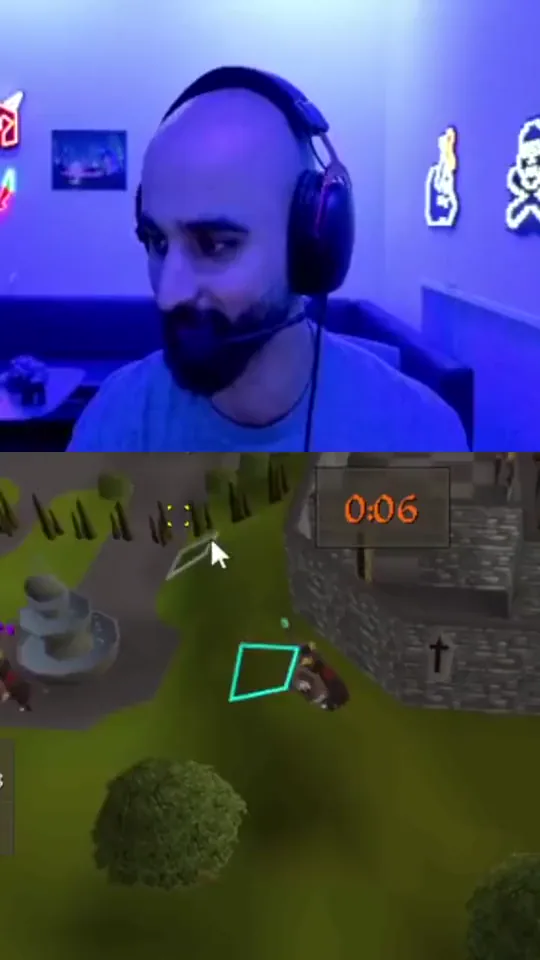
Clip your videos with Viewers

Drag and drop your mediaTap to upload your video
Clips back in minutesViewers finds the momentsMP4, MOV · up to 500MB
Need to drop a stream VOD? Upgrade
OR
How many clips?
Choose your theme
Tell Viewers what you want
Try:
Start with a loadoutOptional. One tap sets everything below.
Platforms & format
Pick which platforms you want to generate your video for. This sets the clip's aspect ratio.
Choose how your vertical clip is laid out.
Captions & text
The spoken words, auto-transcribed and burned onto your clip as subtitles.
A fixed headline shown on the clip for a set time. This is the video's title, not the spoken-word captions.
Translate the captions into another language, or keep the original.
Clips, direction & speed
How long each clip runs and the cut pacing. Set how many up top. Not shown in the preview, which previews a single moment.
Steer Viewers on the kind of moment to look for and how each clip opens. Applies when the clip renders, not in the preview.
How fast your clips are processed. Faster tiers jump the queue. Available on paid plans. Doesn't change how the clip looks.
Render resolution. HD (1080p) is the sharpest, and the highest the platforms use. HD is a paid feature. The preview always shows the same size, so this won't change it.
Overlays & extras
Volume, speech cleanup and a background track, all applied when the clip renders. Audio can't be shown in the preview.
On-screen extras applied when the clip renders.
A bar that fills as the clip plays. Applied when the clip renders.
Overlay your logo on every clip. Applied when the clip renders.
A colour ring framing every clip. Applied when the clip renders.
Your @handle, shown below the subtitles on every clip so viewers know who to follow.

B-roll cutaways are coming later.

Live preview
That
clip
was
@yourhandle
Tap to edit

How it works

Drag and drop your mediaMP4, MOV · or paste a link
Drop a video

Upload a file, or paste a stream, VOD or clip link.

How many clips?
1 banger3 variants6 clipsMax
Pick how many

One banger, a few variants, or every clip worth cutting.

CaptionsKaraoke
Format9:16 · 16:9
SoundSFX on
Make it yoursoptional

Theme, captions, format, sound. Every option has a sensible default.

Upload
Listen
Watch
Rank
Clip
Virality scored per moment
We find the moments

Viewers watches the whole thing, scores what pops, and cuts the best.

9:1616:9Captions
Post-ready clips

Framed per platform with captions burned in. Recut, reframe or regenerate any clip.

Start free. Scale when you’re ready.

5 videos a month free, no card. Paid plans add volume, 1080p, and drop the watermark.

Free
Free
60 minutes · 9 clips
Creator
$19/mo
300 minutes · 60 clips
Pro
$39/mo
900 minutes · 200 clips
Studio
$89/mo
2400 minutes · 500 clips
See plans and pricing →

How free and paid compare

What you getFreePaid
Videos a month515–100
Output quality720p1080p
WatermarkYesNone
Clips kept30 daysForever
Recut & reframe
Stream & VOD links
Priority queuePro+

Questions

Is it really free?

Yes. Free to start: 5 videos a month, no card. Paid plans unlock more volume, 1080p, and drop the watermark.

What can I clip?

Drop a file (MP4, MOV, MKV, WebM) or paste a Twitch, Kick, YouTube, Rumble, X, or TikTok link.

How long does it take?

Most clips are back in a few minutes, and you watch the pipeline work in real time.

What do I actually get?

Vertical clips framed for TikTok, Reels, and Shorts with captions burned in, ready to post. No editing.

Who owns the clips?

You do. They are yours to post anywhere.
Ready to clip?

Drop a video and watch it turn into a week of content. Free to start, no card.